
The Ultimate Streaming Experience
Follow our premium setup guide to connect your account and unlock thousands of live channels, movies, and series in stunning 4K.
Download the App
Select your primary viewing device to get started.
TV / Firestick
- Open your device app store and install Downloader.
- Open Downloader, click the search bar, and enter the code below.
Downloader Code
9336559Android Mobile
- Click the button below to download the official APK.
- Open the downloaded file and click Install.
iPhone & iPad
- Open the Apple App Store on your iOS device.
- Search for "VU IPTV Player" or click below.
Connect Your Account
Enter your secure credentials to sync the library.
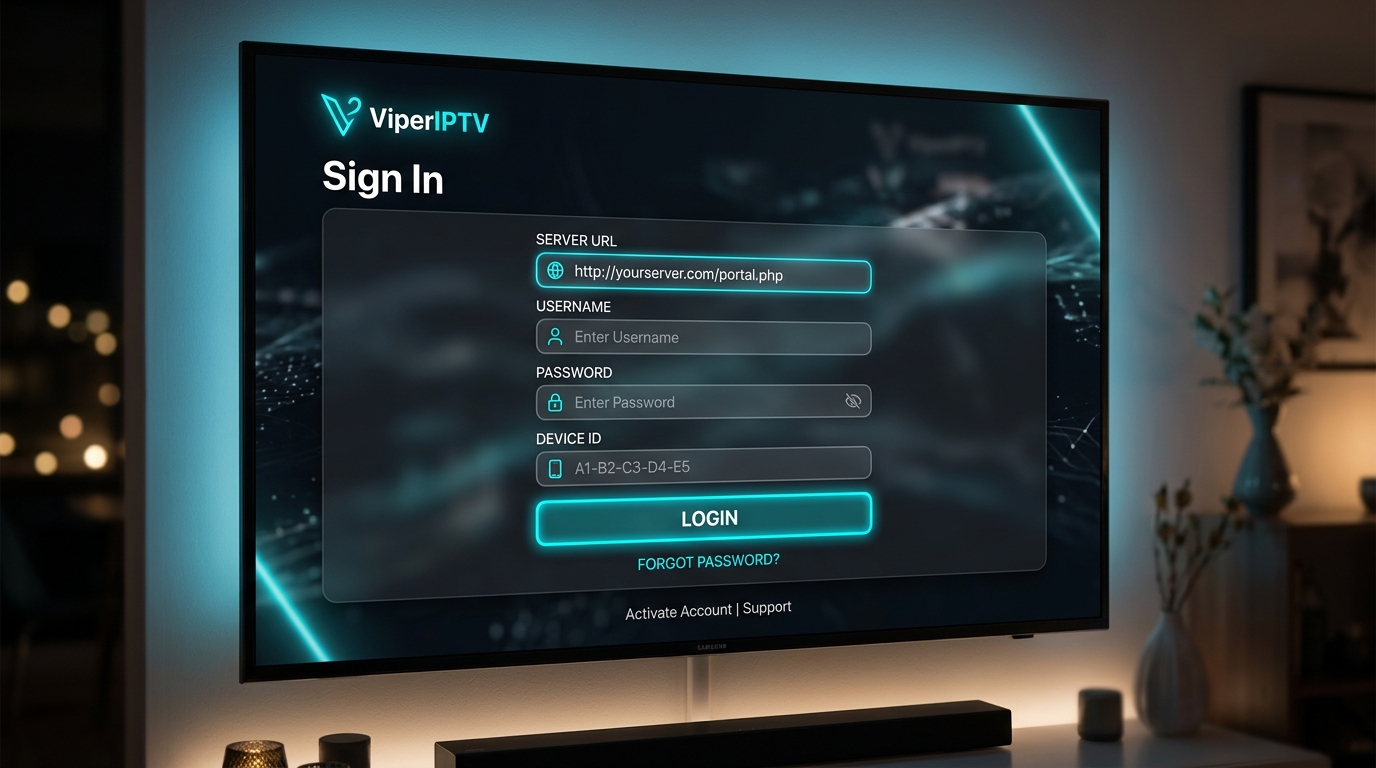
Login Instructions
- A
Select Login Method
Open the app and tap on "Login with Xtream Codes API".
- B
Enter Server URL
http://stream.nexustv.one:5000 - C
Enter Credentials
Input the private Username and Password provided to you in your welcome email.
Advanced: M3U Playlist Access
If you are using a third-party IPTV player (like Smarters, Tivimate, or VLC) that requires a direct M3U link instead of the Xtream Codes API, you can construct your personalized link using the format below. Just replace [USERNAME] and [PASSWORD] with the details from your welcome email.
http://stream.nexustv.one:5000/get.php?username=[USERNAME]&password=[PASSWORD]&type=m3u_plus&output=tsNavigating the App
Our premium interface is designed to be sleek, fast, and incredibly easy to use. Here is what to expect once you log in.
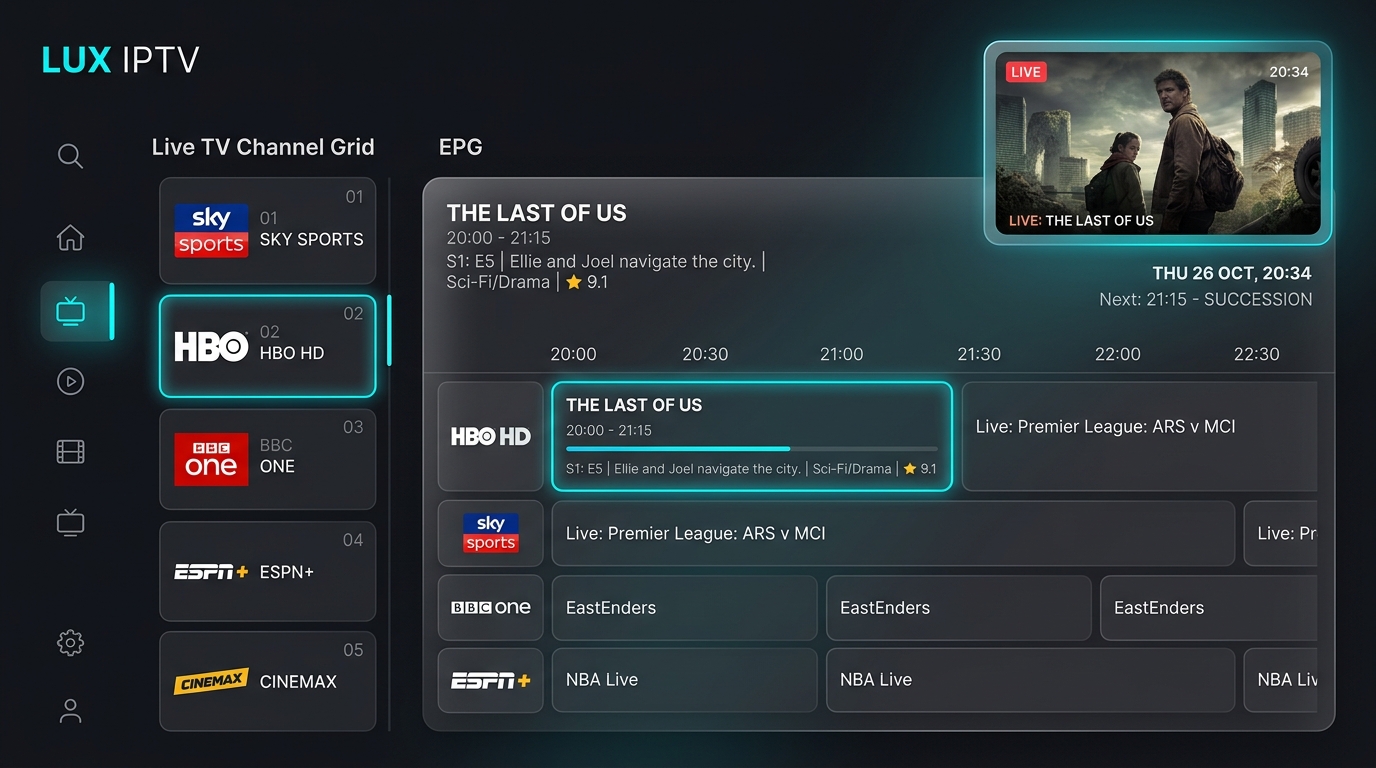
Live TV Menu
Browse thousands of live channels neatly categorized by country and genre. Features a full electronic program guide (EPG) so you always know what's on.
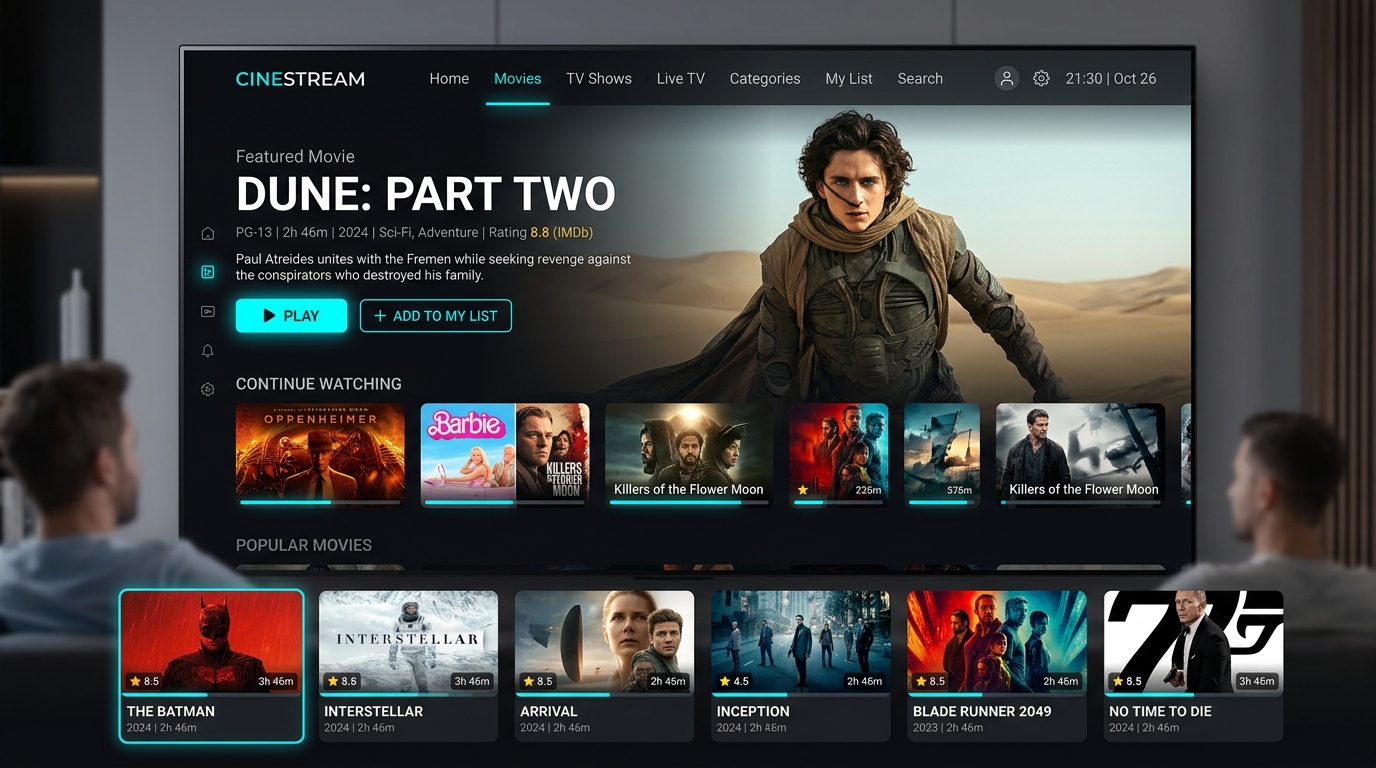
Movies & Series VOD
A massive cinematic library. View detailed movie posters, IMDB ratings, cast information, and beautifully organized TV show seasons.
Catch-Up TV
Rewind up to 7 days
Multi-Screen
Watch 4 streams at once
Favorites
Pin your top channels
Parental Control
Secure content with PIN